The Big News: ServerTrack.io is Now Available on WordPress
We are beyond excited to share a milestone that the entire team has been working toward: the official ServerTrack.io WordPress Plugin is live! You can now find us directly in the WordPress Plugin Directory, making it easier than ever to reclaim your data and fix your attribution issues.
For a long time, setting up server-side tracking felt like a task reserved for high-level developers or data scientists. With this new release, we’ve smashed that barrier. Whether you are running a small blog or a massive e-commerce store, the ServerTrack.io WordPress Plugin puts the power of first-party data in your hands.
Why Server-Side Tracking Matters in 2026
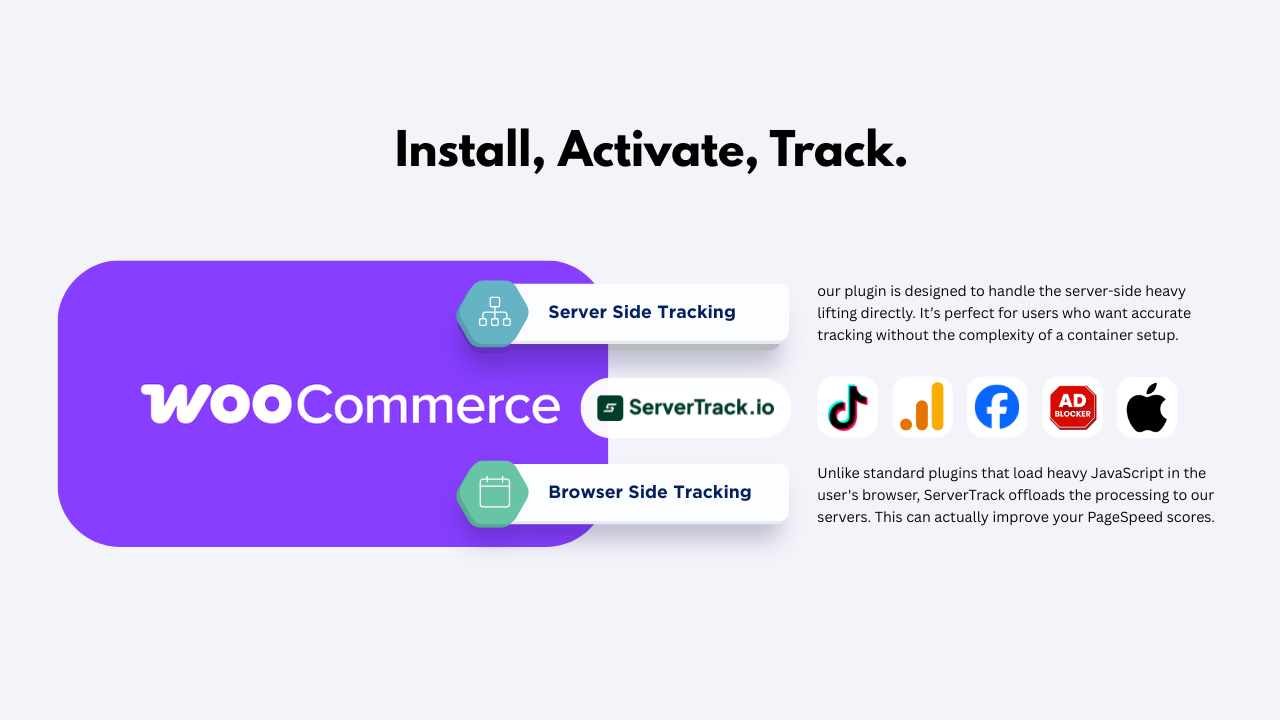
If you’ve been monitoring your ads lately, you might have noticed a "data gap." Traditional client-side tracking - the kind that relies on your visitor's browser - is under attack. Between iOS updates, Brave browser, and standard ad blockers, up to 30% of your conversion data could be vanishing into thin air.
By using the ServerTrack.io WordPress Plugin, you move the tracking process from the user's browser to your own dedicated server. This means:
- No more data loss: Ad blockers can’t stop what they can't see.
- Improved Page Speed: Less heavy JavaScript running in the browser means a faster site for your visitors.
- Better Privacy Compliance: You control what data is sent to third parties like Facebook or Google.
Set Up in 60 Seconds: No Kidding
We know you’re busy. You don’t want to spend three days reading documentation. That’s why we designed the ServerTrack.io WordPress Plugin for speed. You can literally go from "untracked" to "fully optimized" in about a minute.
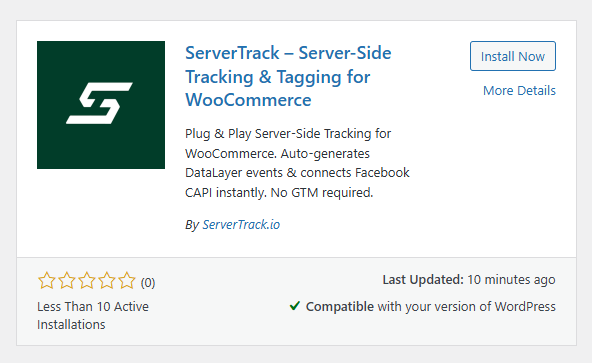
- Search for "ServerTrack" in your WordPress "Add New Plugin" area or Click here "ServerTrack.io Wordpress Plugin"
- Install and Activate.
- Enter your API key from your ServerTrack.io dashboard.
That’s it. Your WordPress site is now communicating directly with your tracking server. It is the fastest way to ensure your Facebook Pixel, Google Tag Manager, and GA4 events are firing with 100% accuracy.
Advanced Features at Your Fingertips
Even though the ServerTrack.io WordPress Plugin is simple to install, it is incredibly powerful under the hood. We’ve built it to handle the complex needs of modern digital marketers. From custom event mapping to deep integration with WooCommerce, this plugin ensures that every click, purchase, and lead is accounted for.
If you are currently using a different method for your tracking, we’ve made it incredibly easy to migrate your data without losing your history. We want this transition to be the smoothest part of your workday.
A Community-Driven Launch
At ServerTrack.io, we believe in building in public. This plugin isn't just a piece of software; it's the result of feedback from hundreds of early adopters who told us they wanted a "one-click" solution for WordPress. Now that it’s live, we need your help to spread the word.
If you’ve been struggling with inaccurate reporting or "missing" sales in your dashboard, this is the solution you’ve been waiting for. We encourage everyone to head over to the directory, install the plugin, and let us know what you think. Your reviews and feedback help us stay on the roadmap and continue building the features you actually need.
Scaling Your Success
As your business grows, so do your data needs. The ServerTrack.io WordPress Plugin is designed to scale with you. Whether you’re handling ten visitors a day or ten million, our infrastructure is built for stability. You can check our server status at any time to see the reliability we provide to our global users.
Ready to get started? Join our affiliate program and help other WordPress users fix their tracking while earning rewards, or simply jump into our documentation to see the full potential of what you can achieve.
Check out our pricing plans to find the perfect fit for your site’s traffic volume. There has never been a better time to take control of your data.
Don't let ad blockers steal your ROI. Install the ServerTrack.io WordPress Plugin today and see the truth in your data!