What is Server Side Tracking and Why Does It Matter for Your Website?
If you run a website or an online store, you probably use tools like Facebook Pixel or Google Analytics. For years, these tools worked by placing a small piece of code in the user's browser. This is called client-side or browser-based tracking. However, the internet is changing. People are using ad blockers, and browsers like Safari and Chrome are limiting how much data they share. This is where What is Server Side Tracking becomes the most important question for your business growth.
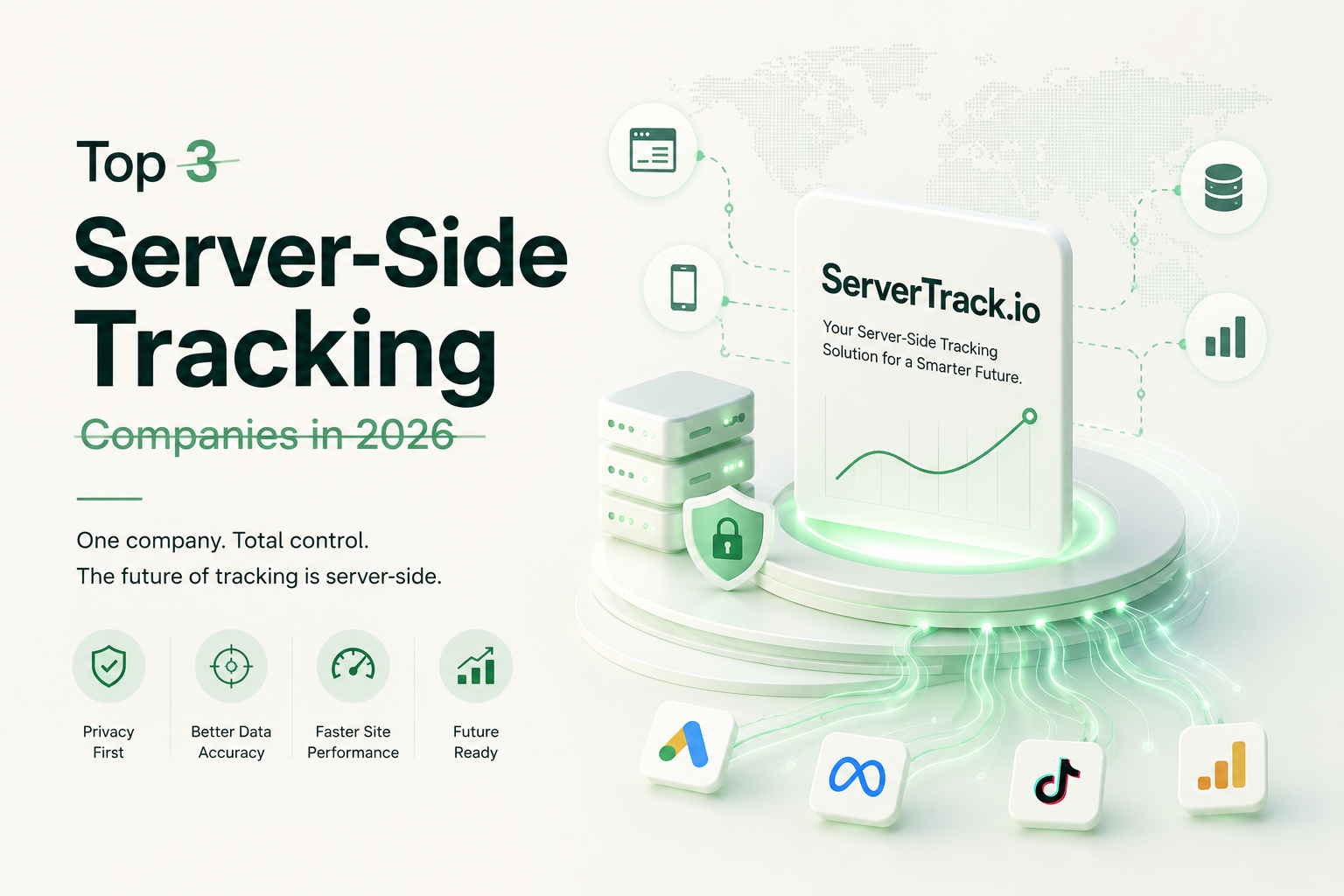
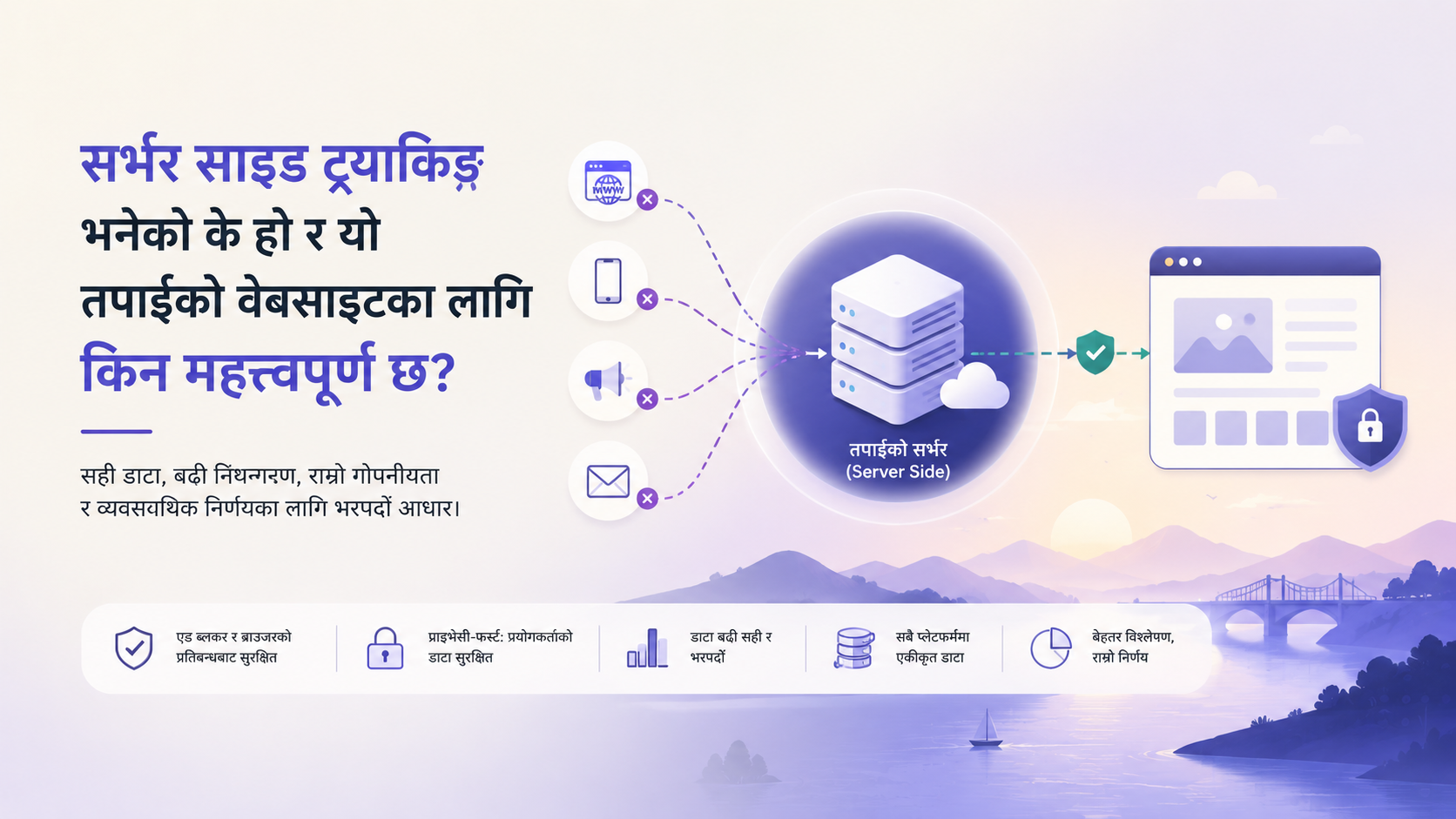
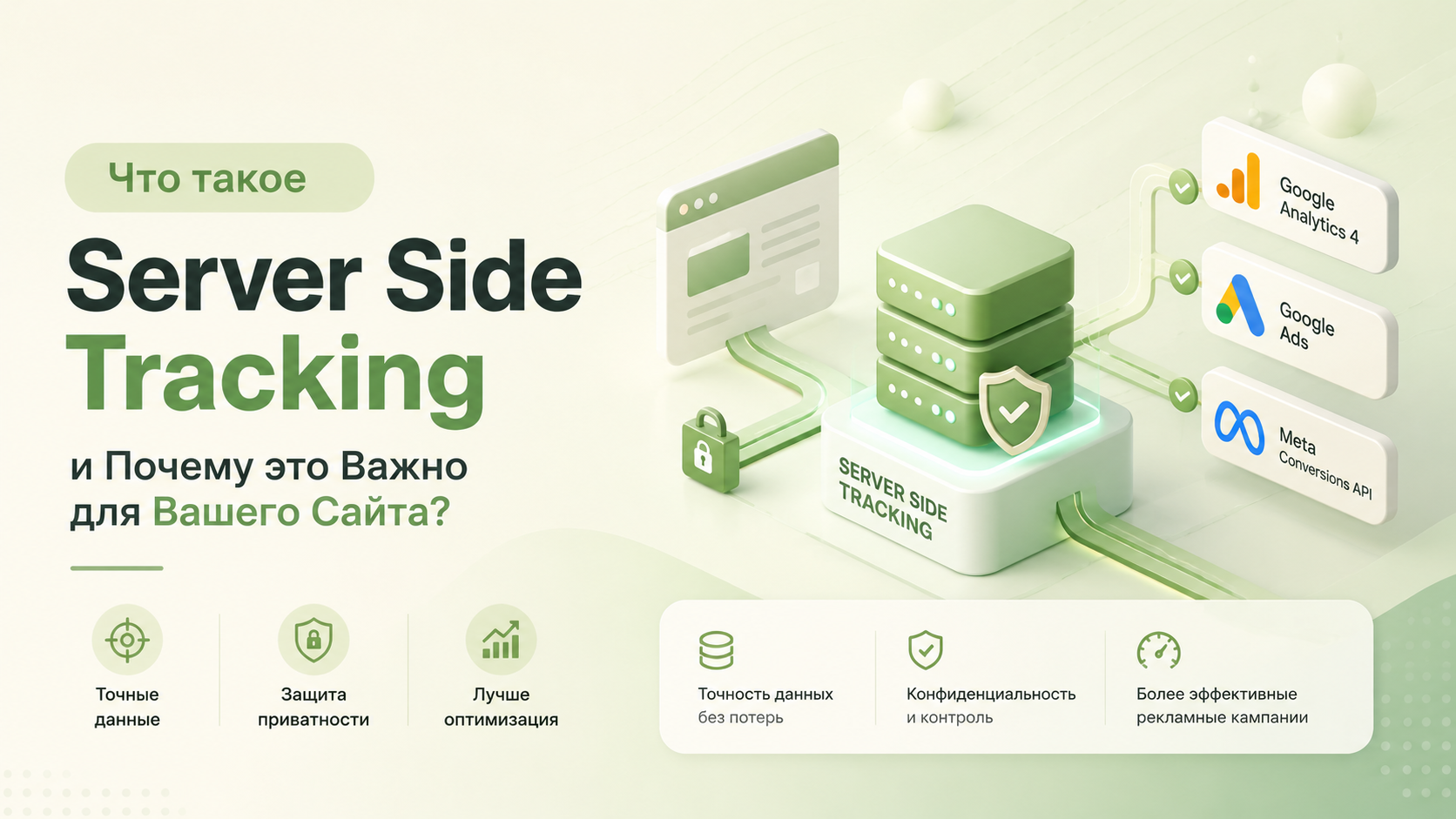
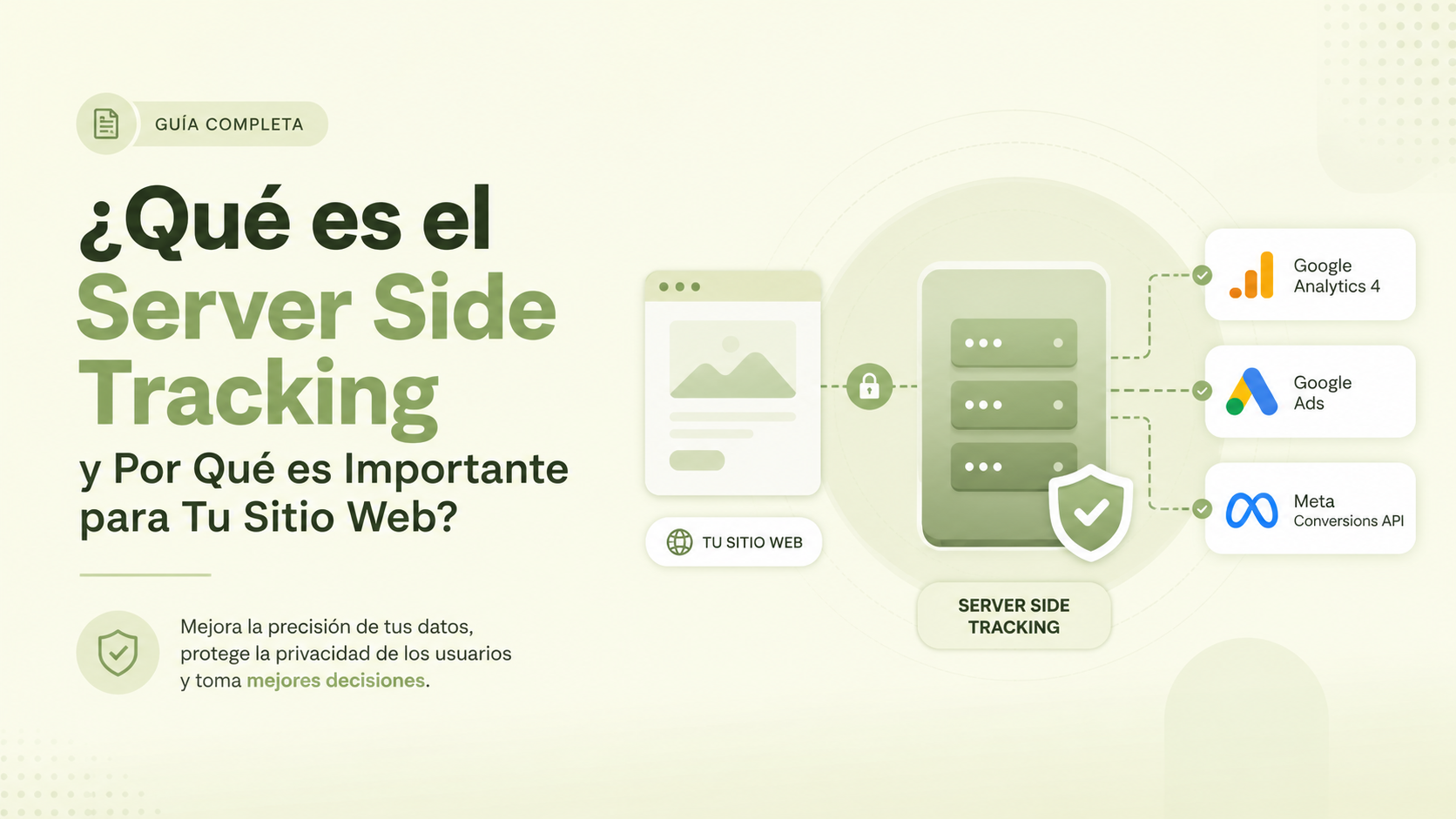
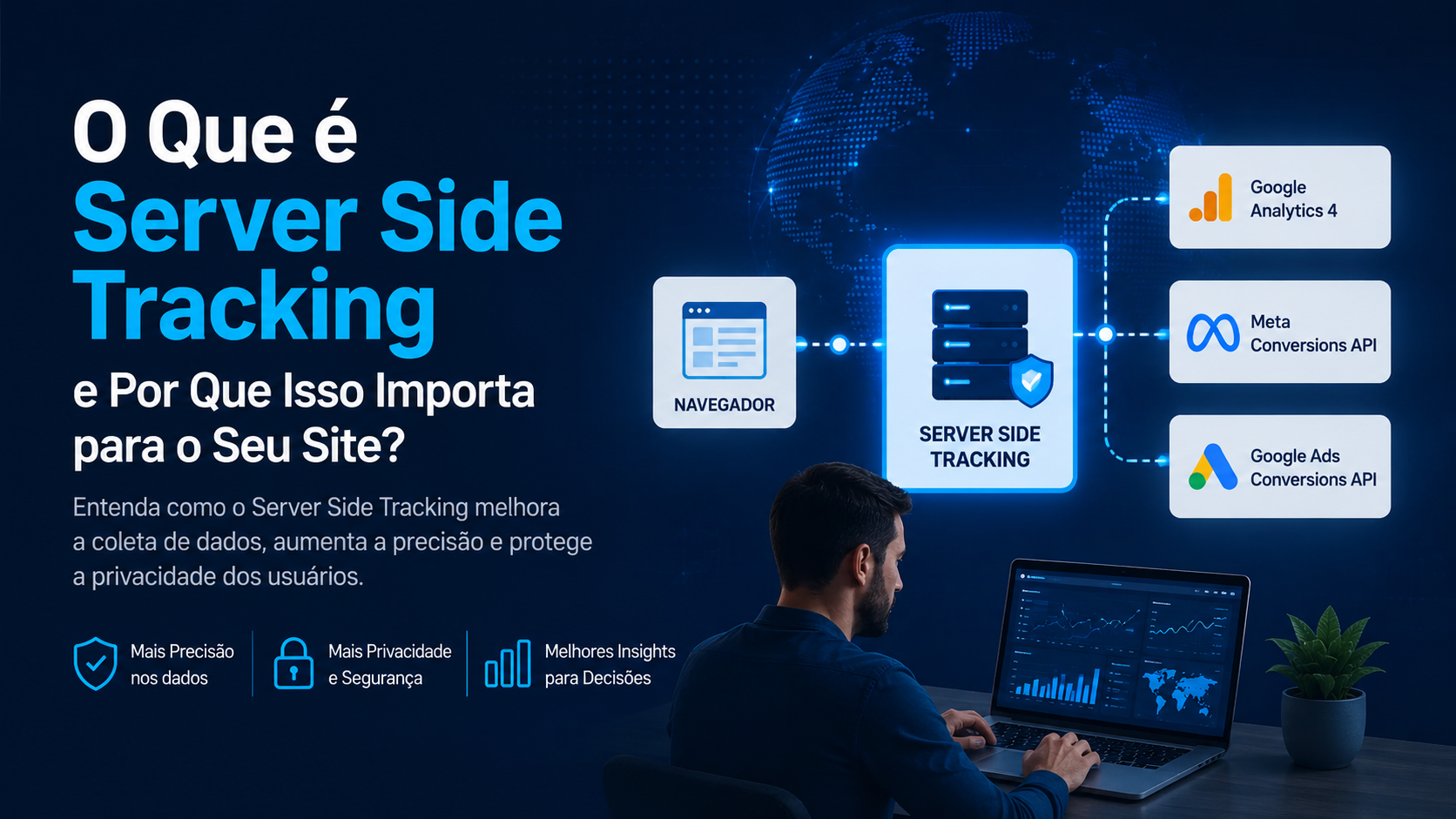
In simple terms, Server Side Tracking moves the work of collecting data away from the user's browser and onto a secure server. Instead of the browser talking directly to Facebook or Google, your website talks to your server, and your server talks to the ad platforms. This tiny shift in how data flows makes a massive difference in how much money you make from your ads. With ServerTrack.io, this process is now accessible to everyone, not just big tech companies.
The Problem with Traditional Browser Tracking
To understand What is Server Side Tracking, we first need to look at what is wrong with the old way. Traditional tracking happens in the browser. This means it is visible to everyone. Because it is visible, it is easy to block. Here are the three main reasons why browser tracking is failing today:
- Ad Blockers: Over 30% of internet users now use ad blockers. These tools stop tracking scripts from ever loading. If a script doesn't load, you don't see the sale.
- iOS 14+ and Privacy: Apple introduced features that let users opt-out of tracking. This created a "dark hole" in many marketing reports.
- Intelligent Tracking Prevention (ITP): Browsers like Safari now delete tracking cookies very quickly. This makes it impossible to know if a person who clicked your ad today is the same person who bought your product three days later.
When your data is missing, your marketing AI gets "stupid." It starts showing ads to the wrong people because it doesn't know who the right people are. This is why What is Server Side Tracking is no longer just an option; it is a necessity for survival.
How Server Side Tracking Works: A Simple Explanation
Imagine you are sending a letter. In browser tracking, the user (the browser) writes the letter and puts it in a mailbox. Anyone can walk up and block the mailbox. In Server Side Tracking, the user hands the letter to a private courier (your server). The courier then delivers it safely to the destination. Because the courier is private, no one on the street can stop the letter from being delivered.
ServerTrack.io acts as that secure courier. It captures events like "Add to Cart" or "Purchase" directly from your web server. It then processes that data -cleaning it and making it compatible - and sends it via API to TikTok, Facebook, or GA4. This happens in the background, making it invisible to ad blockers and browser restrictions.
Is Server Side Tracking Necessary for Your Website?
The short answer is: Yes, if you spend money on advertising. If you are a hobby blogger with no interest in sales or analytics, you might not need it. But if you fall into any of the following categories, it is essential:
1. E-commerce Store Owners
If you sell products, you need to know exactly which ads are driving revenue. Without Server Side Tracking, your Facebook Ads Manager might show 10 sales while your Shopify store shows 15. That gap means you aren't optimizing your budget correctly.
2. Lead Generation Businesses
If you pay for leads, you need to send high-quality signals back to Google or Facebook. Server-side signals have a higher "Match Quality" score, which helps ad platforms find more people like your best leads.
3. Agencies Managing Clients
Agencies are moving to ServerTrack.io because it allows them to prove their value. When you can show a client that you tracked 100% of their sales instead of 70%, you look like a hero. It also makes your ad campaigns perform significantly better.
Comparison: Browser Tracking vs. Server Side Tracking
| Feature | Browser Tracking (Client-Side) | Server Side Tracking |
|---|---|---|
| Data Accuracy | Low (approx. 70%) | High (approx. 100%) |
| Ad Blocker Impact | Easily Blocked | Completely Resistant |
| Site Speed | Slows down the browser | Fast (Offloads work to server) |
| Cookie Life | Short (often 1-7 days) | Long (First-party cookies) |
| Control | Limited | Full control over what you send |
The Hidden Benefits of Server Side Tracking
Beyond just fixing broken data, What is Server Side Tracking offers some "hidden" perks that help your website's overall health:
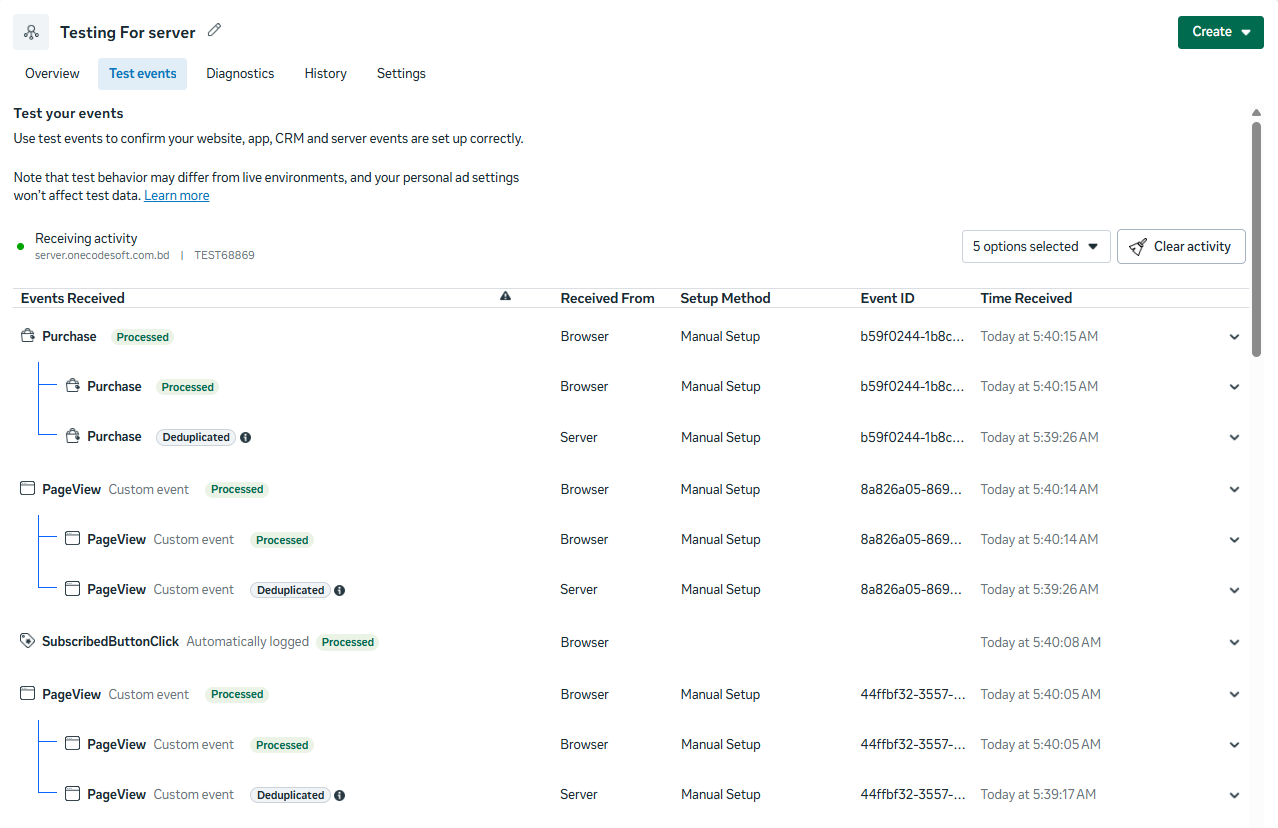
See Your Data: Unlike other tracking tools, ServerTrack lets you see exactly what's happening in real time. No more hide and seek. With GA4 or Stape, you never really know if your data is going through or not. Is it even working? With ServerTrack, you get a live feed of every event hitting the platforms. You can see which data is being sent (fully encrypted), catch anything missing, and fix it yourself on the spot. Debugging tools included.
Clean Data. Better Results: We collect your data securely, encrypt what needs to be encrypted, fill in any missing fields, and enrich every event with GEO location data pulled from the user's IP - before sending it to Facebook, TikTok, or GA4. The result? Your customer match rate jumps to 8+ out of 10. Better data going in means better performance coming out.
Easy To Setup: Server-side tracking has always been a headache, A professional needs 5–6 hours to set it up, and a non-technical person could spend 2-3 days trying. With ServerTrack, a non-tech person can go live in 60 seconds using our ready-made plugin, or 5-10 minutes with custom code. No developers. No waiting.
Setup KIT: We support WordPress, Shopify, Laravel, React, Node.js, Angular, Express.js, MERN, and more all with pre-coded examples available on GitHub. And every week we ship new integrations to cover more platforms. This week we're releasing support for "Botble Laravel Ecommerce", and for Shopify users running "EasySale COD Form" and "Releasit COD Form" for their checkout.
Improved Website Speed: When you use browser tracking, you have to load many scripts (Facebook, TikTok, Google, etc.). Each script slows down your site. With ServerTrack.io, you only send data once to the server. The server handles the rest. This means your website loads faster for the user, which is great for SEO.
Better Privacy Compliance: Because the data passes through your server first, you can "redact" or remove sensitive customer information before it ever reaches a third-party platform. This gives you more control over user privacy.
10-Time Smart Retry: One of the unique features of ServerTrack.io is the retry system. If Facebook's server is down for a second, a browser pixel just gives up. Our server-side system will try again up to 10 times to make sure that data is delivered.
How about Pricing??
Pricing That Actually Makes Sense. Most server-side tracking tools charge $25–$100/month. ServerTrack starts at just $10. Same power, fraction of the price.
How about Results??
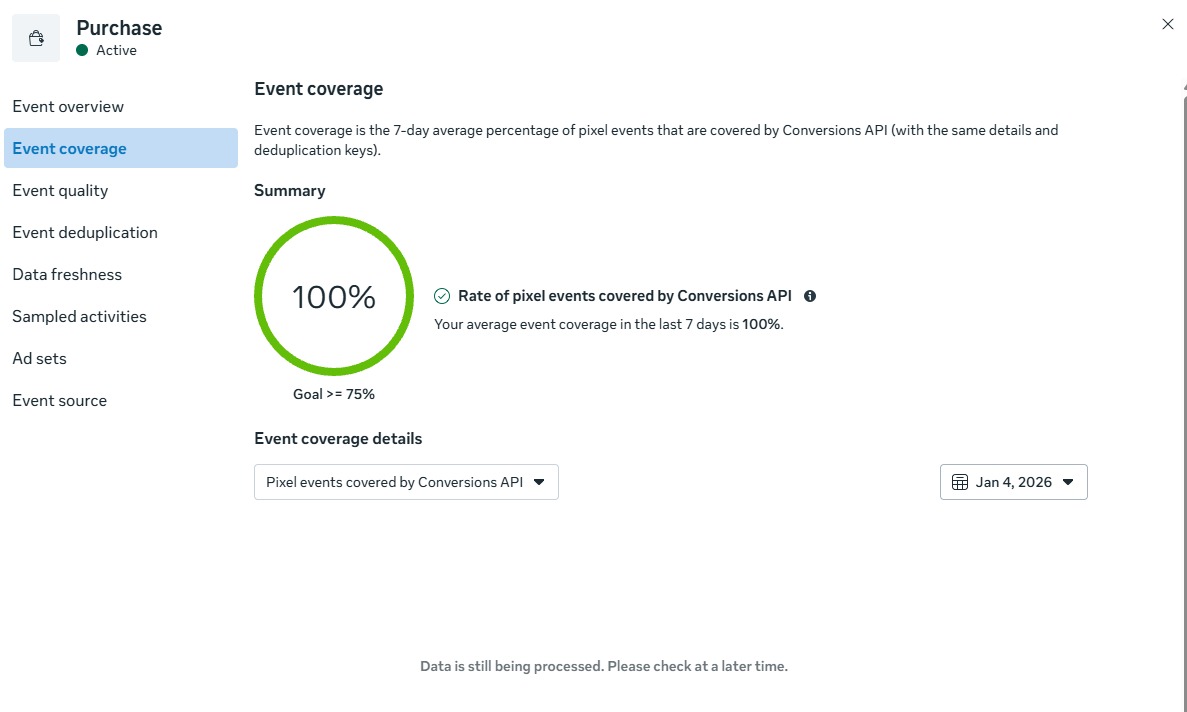
How to Get Started with ServerTrack.io
In the past, What is Server Side Tracking was something only huge companies could afford. It required expensive servers and expert developers. Onecodesoft changed that. We built ServerTrack.io to be simple. You can use our WordPress plugin and start for free with 10,000 requests per month - no credit card needed.
- Sign up for a free account at ServerTrack.io.
- Install our lightweight WordPress plugin / Shopify Installation or Laravel/React/Angula/Mern/Node or any kind of website.
- Connect your Facebook CAPI, TikTok API, or GA4 using your Auth Key.
- Watch your conversion data reach 100% accuracy.
See Video Tutorials
Conclusion: The Future of Tracking is Here
The era of "set it and forget it" browser pixels is over. If you want to grow your business in 2026 and beyond, you must embrace the server-side revolution. Now that you know What is Server Side Tracking, the next step is to implement it before your competitors do. By capturing every sale and every lead, you give your marketing the best possible chance to succeed.
Ready to see the real numbers behind your marketing? Explore our how it works page or check out our affordable pricing plans to get started today.