Install WordPress Plugin & Server Side Tracking Is Done: The Future of E-commerce Data
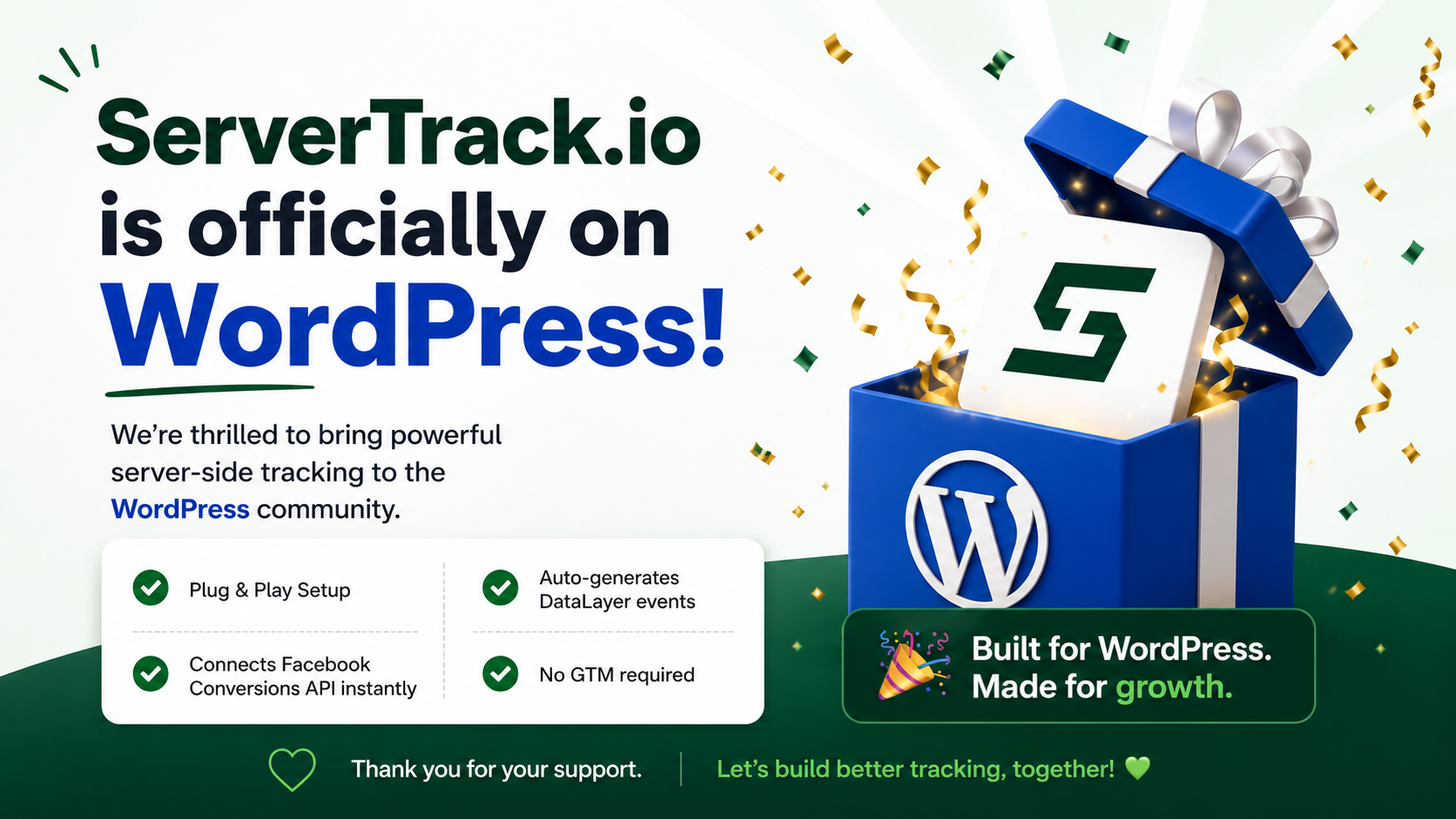
In the past, if you wanted to set up advanced tracking for your website, you had to hire an expensive developer. You had to struggle with Google Tag Manager, containers, and server hosting. It was a nightmare for small business owners. But today, the game has changed. When you Install WordPress Plugin & Server Side Tracking Is Done for your entire marketing stack. At ServerTrack.io, we believe that advanced technology should be simple, and our WordPress integration is the proof.
The transition to server-side tracking is no longer optional. With ad-blockers and privacy updates like iOS 14.5 stealing up to 30% of your data, you need a solution that works. By choosing to Install WordPress Plugin & Server Side Tracking Is Done, you are choosing a 100% accurate, ad-block-resistant future for your business. Developed by Onecodesoft, this plugin is designed to handle everything from Facebook CAPI to TikTok Events API without you ever touching a line of code.
Why Manual Setup is a Thing of the Past
If you have ever tried to set up server-side tracking manually, you know how frustrating it can be. You have to set up a server, configure a proxy, and manually map every single event like "Purchase" or "Add to Cart." If you make one mistake, your data is ruined. This is exactly why the phrase Install WordPress Plugin & Server Side Tracking Is Done is so powerful for modern marketers.
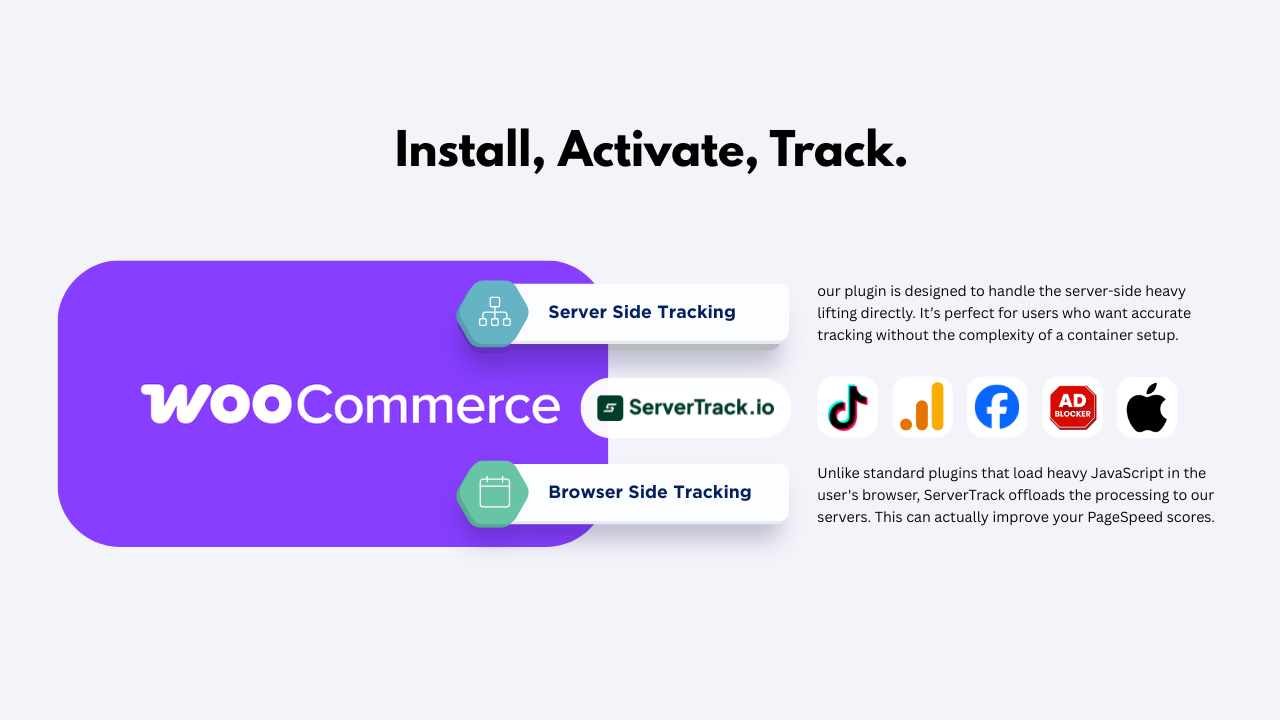
Our plugin automates the hard work. It uses a high-speed WebSocket listener to capture events as they happen on your site. It then sends that data to our global servers, which process it in just 5-20ms. This speed ensures that your tracking is faster than the user's browser, giving you the most accurate data possible. When you Install WordPress Plugin & Server Side Tracking Is Done, you are essentially putting your tracking on autopilot.
Step-by-Step: How the Magic Happens
We built this system to be lightning-fast. Here is how you can say "Install WordPress Plugin & Server Side Tracking Is Done" in your own office:
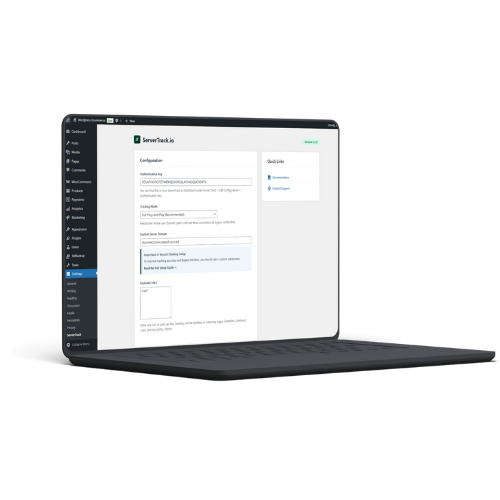
- Download & Activate: Find the ServerTrack.io plugin in the WordPress repository. Install it and hit activate.
- Input Your Key: Enter the Auth Key from your ServerTrack dashboard. This connects your store to our high-performance infrastructure.
- Configure Your CNAME: Enter your custom tracking domain (like https://stconnect.yourstore.com). This ensures your data is treated as first-party, which is 100% block-proof. (Don't use track, tracking etc, Just pick random - Maybe your name!)
The moment you hit save, Install WordPress Plugin & Server Side Tracking Is Done. You don't need to worry about Facebook access tokens or TikTok pixel IDs inside WordPress; our server handles the heavy lifting in the background.
Advanced Features Under the Hood
Just because it is simple to install doesn't mean it isn't powerful. When you Install WordPress Plugin & Server Side Tracking Is Done, you gain access to enterprise-level features:
- 10-Time Smart Retry: If Facebook or TikTok's servers are down, we don't lose your data. We try again up to 10 times until it's delivered.
- URL Exclusion: Easily tell the plugin which pages you don't want to track to keep your data clean and relevant.
- Custom Event Triggers: Beyond standard e-commerce events, you can track custom button clicks or specific URL patterns without coding.
- 99.99% Data Success Rate: Our infrastructure is built for reliability, ensuring you never miss a sale or a lead.
Comparison: Traditional Tracking vs. ServerTrack.io Automation
| Feature | Traditional GTM/Manual | ServerTrack.io Plugin Automation |
|---|---|---|
| Setup Effort | Hours of technical work | Install WordPress Plugin & Server Side Tracking Is Done |
| Maintenance | Constant debugging | Zero (Managed Infrastructure) |
| Data Loss | High (Ad-blockers) | Zero (100% Resistant) |
| Cost | High Developer Fees | Affordable (Starts at 1000 BDT) |
A Solution Built for Agencies and Business Owners
If you are an agency managing 50 clients, you cannot afford to spend 5 hours on each tracking setup. You need to Install WordPress Plugin & Server Side Tracking Is Done and move on to your creative strategy. That is exactly what ServerTrack.io offers. Our dashboard gives you a bird's-eye view of all your clients' data in one place.
For business owners, this means more time focusing on sales and less time fighting with technology. With our "Data Backup" feature, even if your ad account gets flagged, your historical conversion data remains safe with us. You can simply link a new pixel and keep your optimization levels high.
Future-Proofing with TikTok and GA4
We are constantly expanding. When you Install WordPress Plugin & Server Side Tracking Is Done today, you are also preparing for tomorrow. We already support TikTok Events API and GA4. As new platforms emerge, we add them to our server-side engine, so you never have to install another tracking plugin again.
Our goal is to make server-side tracking the easiest part of your website. With localized support and high-speed servers in Singapore, we ensure that your data is handled with the highest level of care and efficiency. Our plans are the most competitive in the market, starting at just 1000 BDT for 500,000 requests per month.
Conclusion
The era of complex, broken tracking is over. It is time to embrace a world where you Install WordPress Plugin & Server Side Tracking Is Done. By capturing 100% of your sales data, you empower your ad platforms to work harder for you. Better data leads to better optimization, lower CPA, and ultimately, more profit for your store.
Don't let technical barriers stand between you and your growth. Reclaim your lost conversions today. Check out our affordable plans or view our full documentation to see just how easy it is to automate your success. Our support team is ready to help you every step of the way.