ServerTrack.io Launches WordPress Plugin for Auto Server-Side Tracking: A Game Changer for E-commerce
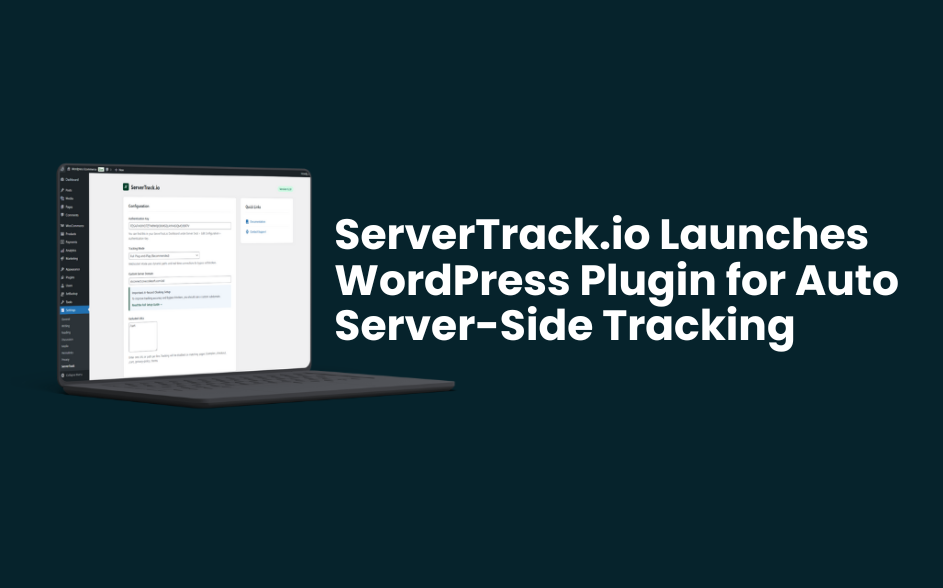
The digital marketing landscape just got a major upgrade. Today, we are thrilled to announce that ServerTrack.io launches WordPress plugin for auto server-side tracking, a solution designed to solve the data loss crisis facing thousands of WooCommerce store owners. As third-party cookies disappear and ad-blockers become the norm, traditional tracking is no longer enough. This new plugin ensures that your marketing data remains 100% accurate by moving the heavy lifting from the user's browser to our secure servers.
For too long, setting up server-side tracking meant wrestling with Google Tag Manager (GTM) containers, cloud server deployments, and complex API documentation. With this launch, ServerTrack.io eliminates those barriers. Now, any WordPress user can achieve enterprise-level tracking accuracy with just a few clicks.
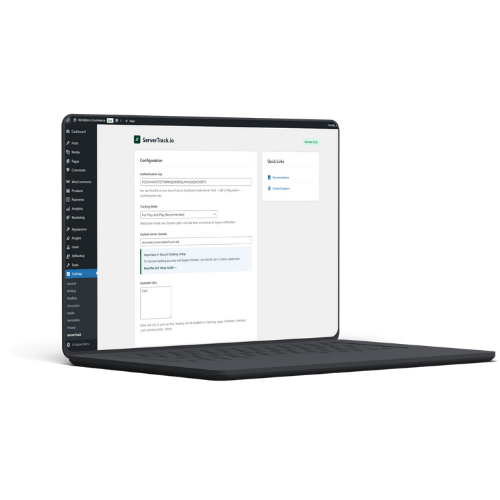
What is the Auto Server-Side Tracking Feature?
When we say ServerTrack.io launches WordPress plugin for auto server-side tracking, we mean "auto" in the truest sense. Traditionally, you would have to manually map events like "Purchase," "Initiate Checkout," and "Add to Cart." The new ServerTrack plugin detects your WooCommerce environment and automatically configures these events for you.
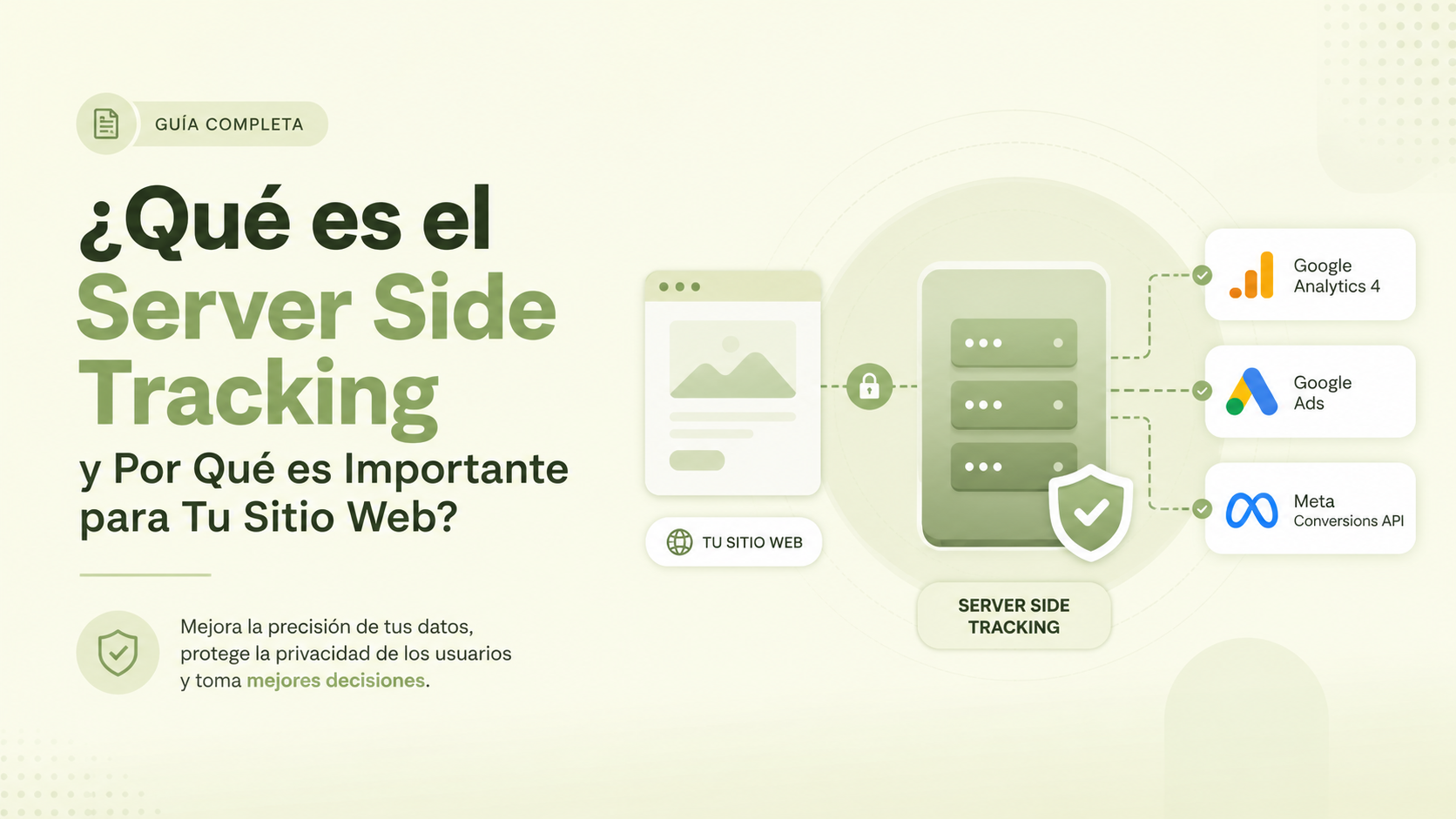
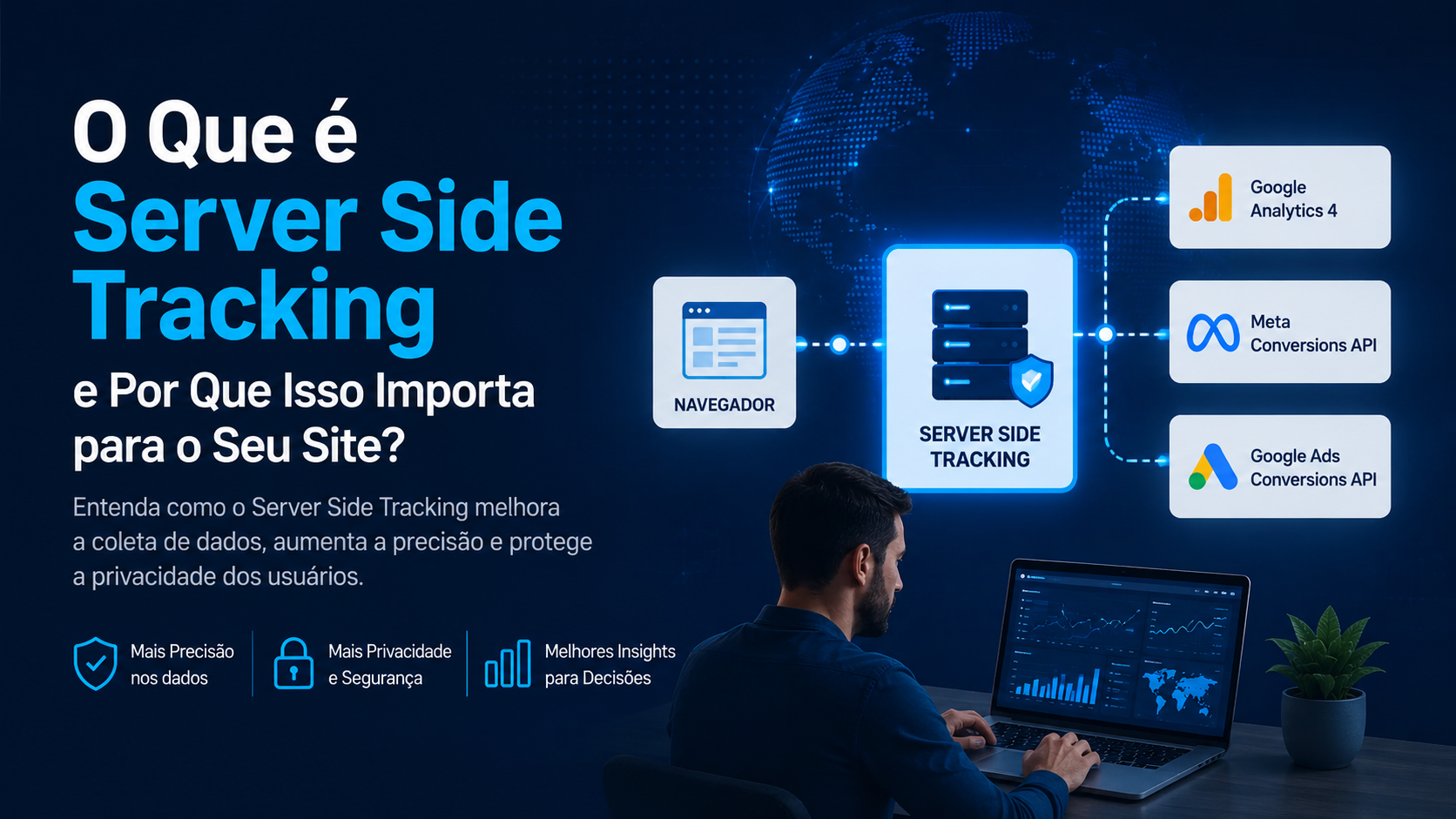
By using first-party cookies and our high-speed infrastructure, the plugin sends data directly to platforms like Facebook (CAPI), TikTok, and Google Analytics 4. This bypasses the limitations of IOS 14+ and desktop ad-blockers, ensuring that every cent of your ad spend is accounted for. You can see how this fits into our broader vision on our roadmap.
Custom Add to Cart Trigger System
One of the standout features included as ServerTrack.io launches WordPress plugin for auto server-side tracking is the advanced "Add to Cart" trigger system. Many WordPress themes use custom AJAX buttons or non-standard code that traditional tracking plugins fail to recognize.
ServerTrack.io’s new plugin allows you to define custom CSS selectors or button IDs for your Add to Cart actions. This ensures that even if you have a highly customized "Buy Now" button or a slide-out cart, our server-side engine catches the event every single time. This level of customization is typically only available to high-end agencies, but we’ve brought it to the WordPress repository for everyone.
Precision Control: URL Inclusion and Exclusion
Not all data is good data. Sometimes, you want to keep your tracking clean by excluding specific pages - like your "Terms and Conditions," internal admin pages, or specific landing pages that shouldn't trigger marketing events. As part of the news that ServerTrack.io launches WordPress plugin for auto server-side tracking, we've introduced an intuitive URL management dashboard.
Users can easily whitelist or blacklist specific URLs. This gives you total control over what data gets sent to your marketing partners, reducing noise in your analytics and ensuring you are only paying for tracking that actually moves the needle for your business.
Why WordPress Users Need This Now
If you are running a business on WordPress, you’ve likely noticed a discrepancy between your WooCommerce sales and your Facebook Ads Manager reports. This "data gap" is usually between 20% and 40%. When ServerTrack.io launches WordPress plugin for auto server-side tracking, it effectively closes this gap.
Our plugin doesn't just send data; it sends better data. Because our servers handle the delivery, we can utilize a 10x Smart Retry system. If the Facebook API is temporarily down, our plugin keeps trying until the event is successfully recorded. This is far superior to browser tracking, which gives up the moment a user closes the tab.
Fast Setup and Seamless Migration
Getting started is incredibly simple. Once you install the plugin from the WordPress repository, you simply connect it to your ServerTrack.io account. For those currently using GTM or Stape, we offer a dedicated migration guide to help you move your tracking over without losing a single day of data.
The plugin is lightweight and designed with WordPress performance in mind. Since the tracking happens server-side, it actually reduces the amount of JavaScript running on your frontend, which can lead to better Core Web Vitals and improved SEO rankings.
Supporting the Local Ecosystem
As a product of Onecodesoft, we are particularly proud to support the growing e-commerce community. Whether you are a local merchant using "Mr Fraud Checker" to secure your orders or a global brand scaling with Facebook CAPI, this plugin is built for you. If you run into any issues during setup, our support team is ready to assist you in real-time.
Final Thoughts
The fact that ServerTrack.io launches WordPress plugin for auto server-side tracking marks a turning point for independent webmasters. You no longer need a massive budget to have perfect data. By automating the technical hurdles, we are leveling the playing field for every WooCommerce store owner.
Ready to reclaim your lost data? Head over to our news section for the full release notes or download the plugin today to get started.
Interested in joining the future of tracking? Join our affiliate program and earn while helping others fix their data!